Measure your site. See what changed.
Turn your drone imagery, photos and video into maps, 3D models and measurements. Compare quantities and conditions between visits.
We run Atlas for your project, with accuracy targets and outputs agreed around your data. You do not need to operate the software.
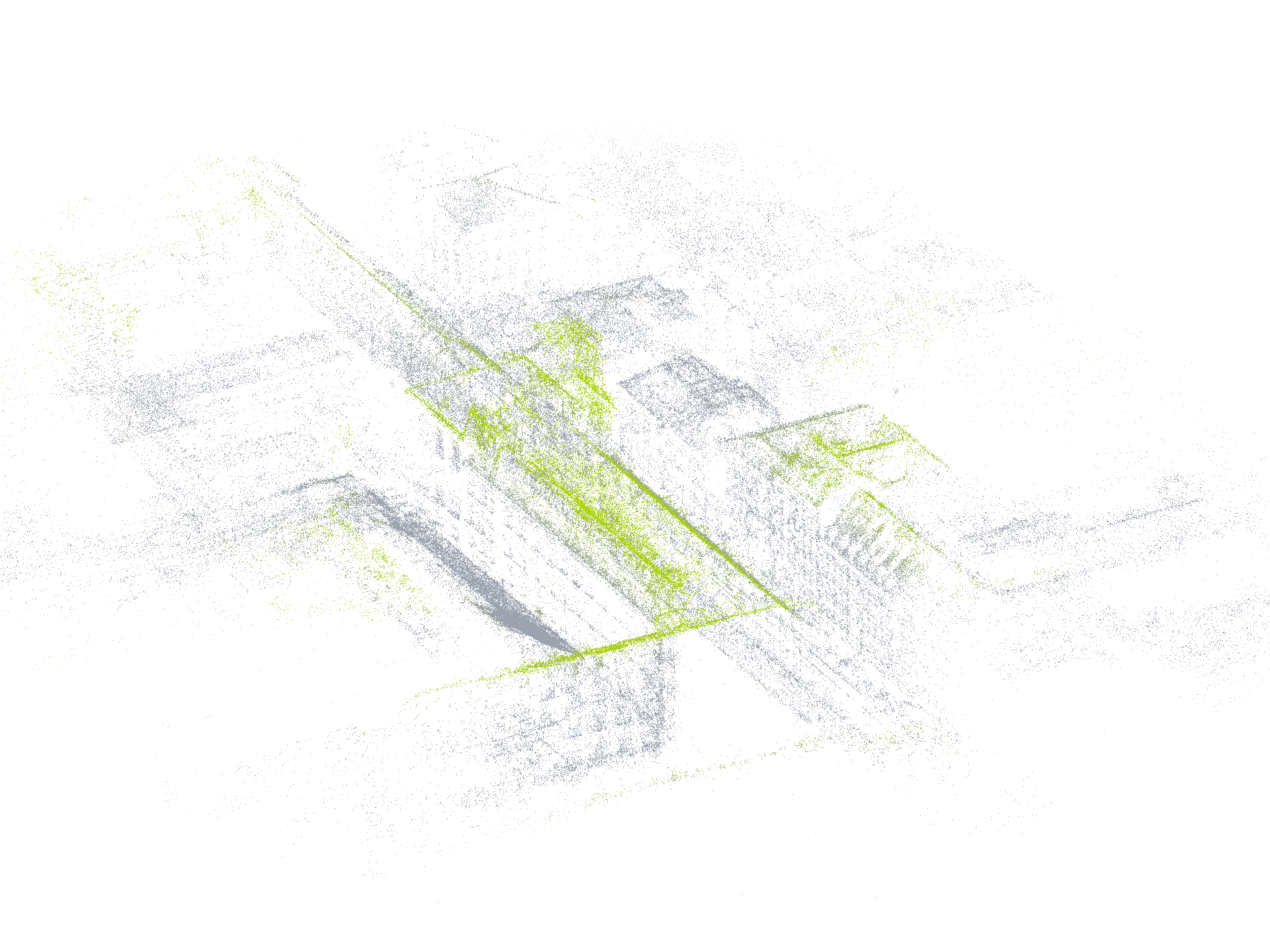
What you receive
Put your site capture to work.
Close an inventory, check completed work or review asset condition using one dated site record.
We agree the map, model and measurements your team needs. Each result keeps its source images and quality information, ready for browser review or export.
- Maps and measurements
- Use orthophotos, terrain models and measured quantities to check inventory and completed work.
- 3D site review
- Explore the capture in your browser and open source images without searching through folders.
- Inspection findings
- Review objects and conditions with their location, supporting images and reviewer notes.
- Change between visits
- Compare quantities and site conditions across dates. Export the results to your GIS, CAD and project tools.
Applications
Measure quantities. Review conditions.
Drone and survey partners
Turn your field imagery into maps, models and measurements without expanding your processing team. We check the capture and prepare reports and open files under your brand, while you keep the customer relationship.
Stockpile inventory
Measure pile volumes from drone surveys and compare quantities between inventory dates. Give operations and finance the same mapped boundaries, calculation notes and source images, with survey control and base-surface assumptions recorded.
Thermal inspections
Locate thermal findings on the site map and link each one to its thermal and visual images. Group findings by asset and agreed priority so maintenance teams know what to inspect next.
Construction progress
Compare site captures with earlier surveys, BIM and CAD plans to review completed work and differences from the design. Share dated maps, measurements and source images so site and design teams can review the same findings.
Capabilities
From source images to checked results.
Atlas combines photogrammetry, 3D review and object search. Measurements use controlled geometry; visual models help your team inspect the site.
We adapt the processing to your capture, required accuracy and existing tools. Findings retain their sources and review history.
Capture
- Images and capture checks
- Combine photos, video, flights, telemetry, calibration and prior captures. Check blur, overlap, coverage, geotags and survey control.
- Processing for the project
- Choose fast review, survey measurement or comparison with earlier captures. Keep observations separate from inferred, planned and synthetic content.
Maps and measurements
- Maps, models and quantities
- Produce orthophotos, DSM/DTM, point clouds and meshes. Measure distances, areas, elevations and volumes with their CRS, control and quality checks.
- Cut/fill and plan comparison
- Compare surfaces with earlier surveys, BIM, CAD and design layers. Retain coordinate alignment, versions, tolerances, residuals and exclusions.
3D review and object search
- Browser-ready 3D
- Review Gaussian or surfel-style scenes in the browser. Keep metric measurements on controlled geometry, separate from visual appearance.
- Search and reviewed findings
- Find objects and conditions with source frames, clips, masks, rays and map locations. Correct and approve findings while retaining edit history.
Change over time
- Repeat captures and object history
- Track the same objects across site versions. Review changes in geometry, appearance and condition with the supporting observations.
- Observation and review dates
- Record when a condition was observed and when it was reviewed. Keep earlier outputs and review status available.
Delivery and integration
- Open exports and coverage
- Receive COG, PMTiles, GeoJSON, Parquet, PLY, OBJ, images, video and manifests. Show occlusions and coverage gaps alongside the results.
- APIs and deployment
- Connect reviewed findings through APIs, webhooks and workflow events. Scope cloud, private, on-prem or disconnected deployment around security, residency and connectivity needs.
Quality and traceability
- Each output records how it was processed, the available survey control and the quality checks performed.
- Compare measurements, 3D views and inspection findings by capture date, with each linked to its sources.
- Each finding links to its source images, location, review status and dated site record.
Questions
Before processing starts.
How we assess your capture, agree accuracy targets and deliver the results.
- Do we need to operate Atlas?
- No. We run the processing and review for your project. We can also deliver under your brand or tailor the workflow to your team.
- What accuracy can we expect?
- It depends on the imagery, capture geometry and survey control. We agree the target first and report the control, residuals and quality checks with the measurements.
- Can you use our existing imagery?
- Yes. We assess photos, video, drone flights and prior captures. If more coverage or control is needed, we explain what to capture before you send a team back.
- Can we repeat the survey or connect our tools?
- Yes. Repeat captures can be compared in dated site records. API access is available for your existing tools. We agree integration work, private deployment, data retention and permissions around your project requirements.
Start with a dataset or capture plan.
Tell us what you need to measure. We will assess the data and propose a scope.
Share the data and question
Send imagery or a capture plan, required measurements and any survey control.
Agree the scope
We check coverage, accuracy targets, outputs, turnaround and cost before processing.
Review and hand over
Review the results together, then receive your reports, models and open files.