See what changed.
Know where to inspect first.
Pulse gives infrastructure teams a Site Watch view of fresh surface disruption across one named site. It shows where work, disturbance, shoreline change, or buildout is concentrated and which assets deserve inspection first.
When the concern is settlement, Pulse adds ground motion to show where engineering review is justified. Optical, vegetation, and air-quality layers stay in support so the first packet stays readable for site, engineering, and operations teams.
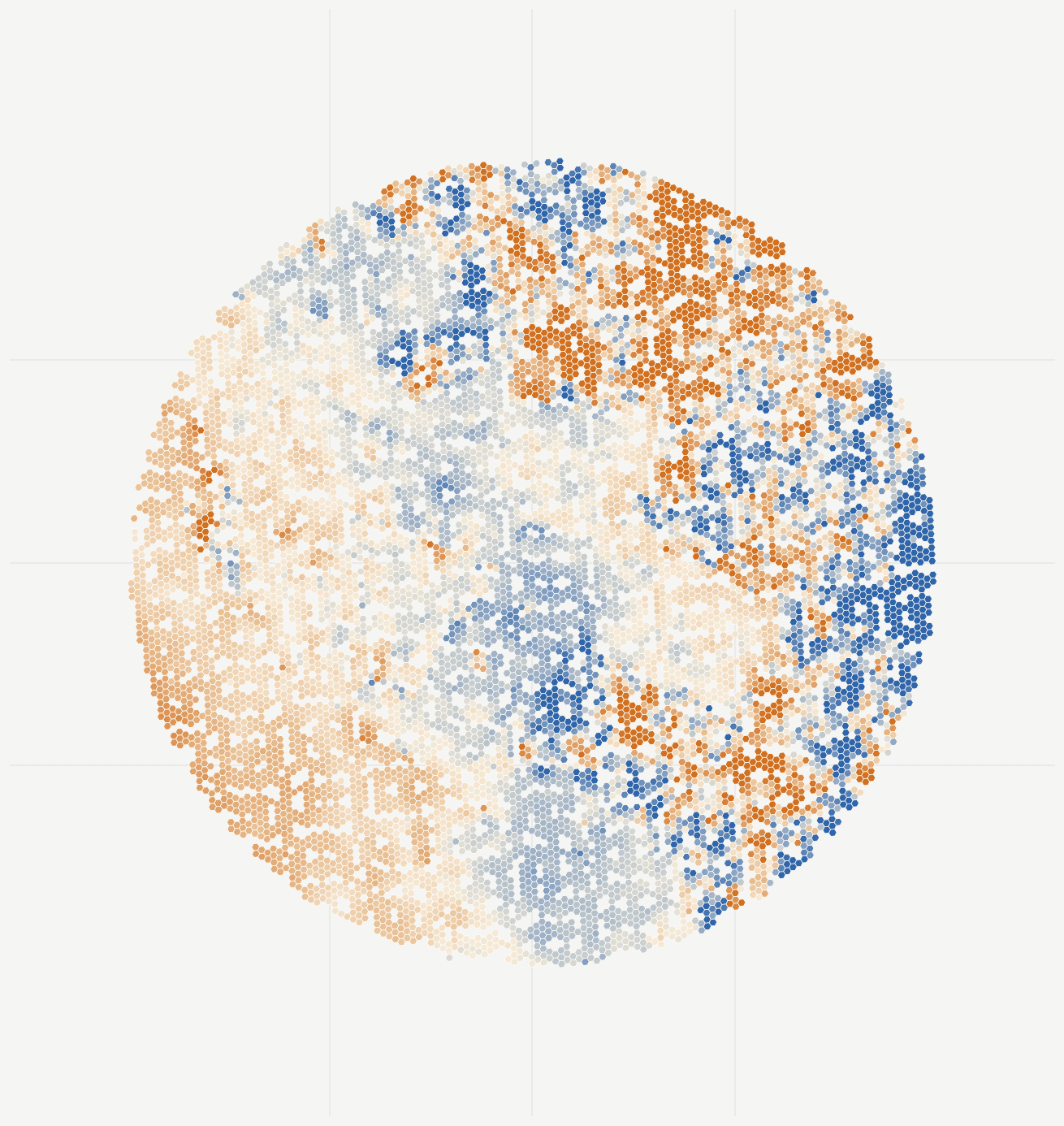
Past and recent site conditions packaged into one first packet.
One clear view showing where the signal is concentrated first.
Asset or AOI prioritization when reviewed geometry exists.
A scoped first project for one named site, not a platform rollout.
01 / Surface Monitoring
Find the parts of the site that changed first.
Use surface monitoring to spot fresh works, trenching, yard rework, shoreline disturbance, flood cleanup, and buildout spread, then send teams to the areas that matter now.
Airports
Use it to flag runway-edge works, apron and shoulder disturbance, drainage trenching, cargo-area change, and staging spread so airside and capital-works teams know which zones to review first.
Ports and reclaimed terminals
Use it for yard reworking, berth-backland disturbance, laydown-zone change, shoreline-adjacent activity, and storm-cleanup footprints tied back to berths, yards, and embankments.
Refineries and industrial pads
Use it to screen cleared pads, berm changes, trenching, disturbed ground near tanks, utility work zones, and storm aftermath so site engineering can start review in the most changed work areas.
Reclaimed waterfronts
Use it to surface shoreline-adjacent disturbance, reclamation-edge works, embankment change, ponding, and flood-cleanup footprints across artificial islands and reclaimed coastal assets.
Freight terminals and active buildout
Use it for site prep, grading, basin change, yard expansion, access-road cuts, and utility- or substation-adjacent disturbance during active rail, freight, EV, and data-center buildout.
Pipelines and corridor packages
Use it to rank disturbed crossings, excavation approaches, access-road cuts, slope scars, and right-of-way activity so integrity and field teams can narrow where corridor inspection should start.
02 / Ground Motion
See where movement is persistent enough to escalate.
Use ground motion where the question is settlement, subsidence, or embankment behavior on soft or reclaimed ground. It helps teams decide which assets need closer engineering review, not just another walkdown.
Airports
Use it where reclaimed ground or heavy-use pavement makes settlement believable: runway-edge subsidence, apron movement, shoulder behavior, and drainage-package motion that may need escalation.
Ports and reclaimed terminals
Use it to watch quay backlands, terminal yards, waterfront embankments, and reclaimed pads for persistent settlement-style behavior rather than relying only on episodic walkdowns.
Refineries and industrial pads
Use it for long-lived movement under tanks, pads, berms, and reclaimed industrial edges when reliability or site-engineering teams need evidence of persistent ground behavior, not just recent works.
City subsidence districts
Use it to screen chronic subsidence across streets, utilities, and public-works districts where levelling, GNSS, or civil reporting already suggest movement but coverage is uneven.
Levees, dams, and landfills
Use it for crest settlement, embankment movement, slope behavior, and stability review on water-control and waste assets that are already independently monitored but still need repeatable wide-area screening.
Pipelines and corridor infrastructure
Use it on buffered segments, slope-prone crossings, and settlement-sensitive approaches where the question is which corridor unit is persistently moving, not whether the whole line is active.
03 / Features & FAQ
Features
Pulse turns site-wide signal into something an engineering or asset team can actually use: hotspot maps, asset-linked outputs, readable evidence layers, and delivery that fits existing workflows.
See where earthworks, trenching, shoreline change, flood cleanup, or other fresh disruption is concentrated across the site.
Screen for settlement, subsidence, and embankment movement where persistent ground behavior matters.
Give site and engineering teams one clear place to start instead of scanning the whole facility.
Tie the signal back to aprons, berths, pads, embankments, corridors, or other reviewed geometry when it exists.
Add readable before-and-after context when a team needs visible proof of what changed.
Help non-specialists read visible differences faster without turning the product into an AI black box.
Add perimeter, wetness, bare-soil, and vegetation context when it helps explain the main signal.
Add industrial air and atmospheric context around ports, refineries, and heavy logistics sites when it sharpens the operating picture.
Ship files and layers that drop into GIS, internal maps, and engineering workflows without cleanup.
Deliver as a review packet, dashboard, export, or API feed depending on how the team already works.
Move from one first study into monthly or event-driven monitoring when the signal earns it.
Show confidence and supporting fields so teams can separate a strong lead from something that needs a closer read.
Why teams choose Pulse
Pulse is strongest where the job is one site, one owner, and one faster route to the right review decision.
Start with one site, not a software evaluation
Pulse is strongest when one named site needs a fast answer. The first step is a scoped review, not a long platform evaluation or portfolio rollout.
Move from signal to a review decision faster
Broad change feeds and raw deformation layers can show activity, but they often stop short of the next action. Pulse turns the signal into hotspot maps, asset-linked outputs, and a clear review path.
Reduce delay and inspection waste
The first competition is often delay, scattered site knowledge, or internal GIS work without a clean review queue. Pulse helps decide where human attention should start.
Keep a clean path into recurring monitoring
Pulse is delivered to roll forward cleanly. If the first site proves useful, the output can move into recurring monitoring or a second-site expansion without changing the story.
FAQ
A short answer on fit, what to send, and what the first step looks like.
What do we get in the first project?
The first scope stays tight: one named site, one hotspot map, ranked review output when reviewed geometry exists, a short interpretation memo, and one review call. Dashboard access can be included when it helps the review workflow.
When should I start with a first review instead of recurring monitoring right away?
Start with a scoped first review when the main question is where to inspect first. Start with recurring monitoring from day one when the site already needs current-state review or repeat checks.
What should we send to get started?
Send one named site, asset area, or AOI and the decision you need to support. If reviewed geometry exists, include it. If not, Pulse can still scope the first packet around a clear area of interest.
Do I need reviewed geometry to start?
No. Reviewed geometry improves asset-linked prioritization, but Pulse can still start with one named site or AOI and deliver a useful first hotspot map.
What happens after the first review?
We review the hotspot map, the asset-linked output where geometry exists, and the key interpretation notes with your team. From there, the next step is clear: inspect, close the question, or move into recurring monitoring.
Does Pulse replace inspection or structural sign-off?
No. Pulse is for screening, prioritization, and recurring monitoring support. It helps teams decide what deserves engineering review first, but it does not replace inspection, ground investigation, or structural sign-off where those are required.
If the first study shows nothing material, is that still useful?
Yes. A clean result can still narrow uncertainty, reduce wasted inspection time, and show whether recurring monitoring is worth setting up for that site. The value is a clearer decision, not only a red flag.
How fast is the first packet?
A scoped first review is typically delivered in two to three weeks. A recurring monitoring start is broader and usually runs six to ten weeks, depending on site scope and data readiness.
Get in touch
to get started.
Tell us the site, asset area, or operating question you want to review. We will reply with fit, timing, and a clear next step.